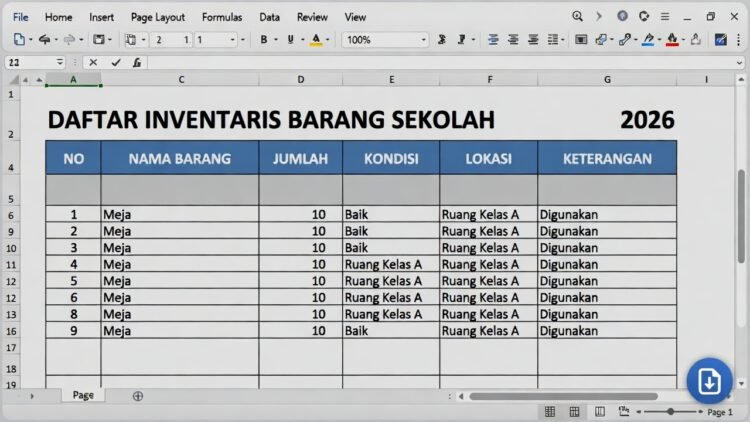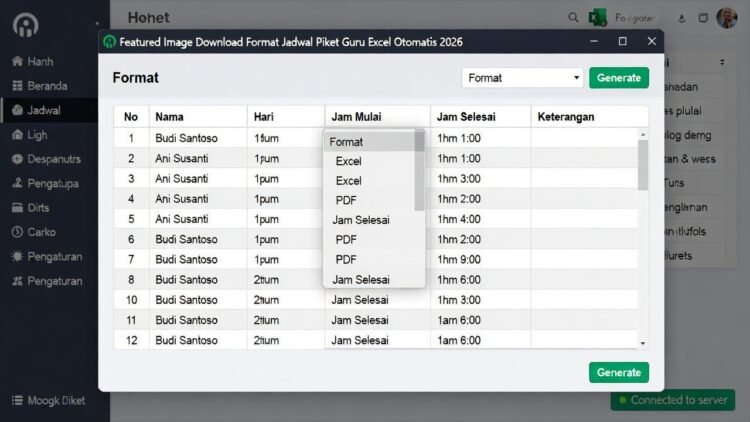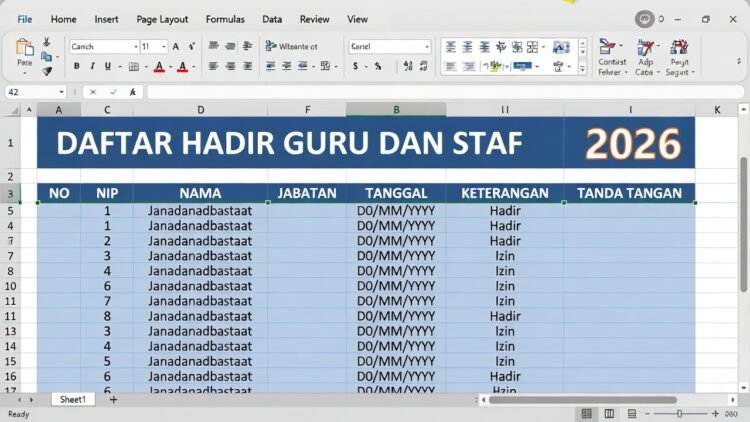
Microsoft Excel terus berevolusi dengan integrasi kecerdasan buatan (AI) melalui Copilot. Pada tahun 2026, salah satu fitur baru Excel 2026 bikin tabel pakai AI menjadi highlight—memungkinkan pengguna generate table, PivotTable, chart, hingga formula column hanya dari prompt bahasa natural. Fitur ini revolusioner untuk analisis data cepat tanpa coding manual.
Artikel ini menyajikan panduan informatif dan edukatif tentang copilot excel generate table 2026, lengkap dengan langkah aktivasi, contoh prompt praktis, analisis manfaat untuk profesional, serta tips optimalisasi. Berdasarkan update Microsoft 365 Copilot terbaru (per Januari 2026), panduan ini membantu pengguna umum paham fitur AI Excel maupun profesional seperti analis data, HRD, atau akuntan tingkatkan produktivitas.
Daftar Isi
Apa Itu Fitur AI Copilot di Excel 2026 dan Cara Aktivasi
Copilot in Excel adalah asisten AI berbasis GPT yang integrasi langsung di Microsoft 365. Update 2026 fokus enhance data generation: create table from prompt, auto PivotTable, forecast, dan visualize insights.
Fitur Kunci Bikin Tabel Pakai AI:
- Generate table struktur dari teks/deskripsi.
- Insert column formula otomatis.
- Create PivotTable/chart dari prompt.
- Highlight insights dan suggest analysis.
Cara Aktivasi Copilot Excel 2026:
- Pastikan subscription Microsoft 365 Copilot (personal/business).
- Buka Excel desktop/online → Tab Home/Insert → Copilot pane kanan muncul.
- Jika belum: File > Account > Update Options > Enable Copilot.
Analisis: Di 2026, Copilot gratis limited untuk Excel basic—full feature butuh Copilot Pro (~Rp300.000/bulan). Integrasi seamless dengan data table format (Ctrl+T).
Cara Bikin Tabel Pakai AI Copilot Excel 2026 Langkah demi Langkah
Langkah 1: Format Data sebagai Table
Baca Juga:
- Select range → Ctrl+T → OK.
- Copilot optimal di table structured.
Langkah 2: Buka Copilot Pane
- Klik ikon Copilot atau prompt di cell.
Langkah 3: Gunakan Prompt Natural Language
Prompt contoh untuk cara bikin tabel otomatis excel ai:
- “Buat tabel penjualan bulanan dengan kolom Produk, Qty, Harga, Total dari data ini.”
- “Generate PivotTable summary sales by region.”
- “Insert column profit = Revenue – Cost.”
Copilot process dan insert table/chart langsung.
Analisis Edukatif: Prompt spesifik hasil akurat—tambah “show formula” untuk transparan.
Contoh Praktis Fitur Copilot Bikin Tabel Excel 2026
Contoh 1: Generate Table dari Teks
Prompt: “Buat tabel karyawan dengan kolom Nama, Jabatan, Gaji, Tunjangan dari list: Andi Manager 15jt, Budi Staff 8jt.”
Copilot create table otomatis + formula total.
Contoh 2: PivotTable Otomatis
Data penjualan: Prompt “Create PivotTable sales by product and month with grand total.”
Baca Juga:
Hasil: Pivot siap dengan filter/slicer.
Contoh 3: Insert Formula Column
Prompt “Add column bonus 10% if sales > target.”
Copilot insert IF formula.
Contoh 4: Visualize Insights
Prompt “Show chart trend sales 2025-2026 and highlight top product.”
Copilot generate line chart + highlight.
Analisis: Fitur ini hemat waktu 70% vs manual—ideal laporan bulanan HR/keuangan.
Manfaat Fitur Baru Copilot Excel 2026 untuk Profesional
- Produktivitas: Generate table seconds vs minutes.
- Akurasi: Kurangi error formula manual.
- Insights Cepat: AI suggest trend/outlier.
- Kolaborasi: Share workbook dengan Copilot history.
Analisis 2026: Dengan Agent Mode Copilot, AI execute multi-step task seperti “clean data then create Pivot”—tingkatkan analisis kompleks tanpa skill advanced.
Baca Juga:
Tips Optimal Menggunakan Copilot Bikin Tabel Excel 2026
- Prompt Efektif: Spesifik, context (e.g., “using column A as product”).
- Data Clean: Remove duplicate/blank dulu.
- Iterasi: Refine prompt jika hasil kurang (e.g., “add filter”).
- Privacy: Data sensitif—gunakan offline mode jika ada.
- Update Excel: Always latest version untuk fitur baru.
Analisis Edukatif: Copilot belajar dari user—prompt baik hasil semakin akurat seiring waktu.
Batasan dan Alternatif Fitur Copilot Excel 2026
Batasan:
- Butuh internet (kecuali offline preview).
- Limit prompt gratis.
- Kompleks data butuh manual tweak.
Alternatif: Power Query untuk transform, atau Google Sheets Gemini AI (gratis limited).
Analisis: Copilot unggul natural language—demokratisasi analisis data untuk non-technical user.
FAQ (Frequently Asked Questions)
1. Apa fitur utama Copilot Excel 2026?
Generate table, Pivot, chart, formula dari prompt.
2. Gratis atau berbayar?
Limited gratis, full Copilot Pro berbayar.
3. Cara aktifkan Copilot di Excel?
Subscription M365 Copilot → pane muncul otomatis.
Baca Juga:
4. Copilot bisa create table kosong?
Ya, dari deskripsi prompt.
5. Bisa offline?
Partial—full feature butuh online.
6. Prompt bahasa Indonesia support?
Ya, multilingual 2026.
7. Copilot ganti Power Pivot?
Tidak—complement untuk quick analysis.
Kesimpulan
Fitur baru Excel 2026 bikin tabel pakai AI Copilot revolusioner—generate table, Pivot, insights dari prompt natural language, hemat waktu dan tingkatkan akurasi data. Dengan contoh praktis di atas, dari sales report hingga karyawan bonus, Copilot democratize analisis untuk semua level.
Di 2026, AI seperti Copilot jadi standar produktivitas—manfaatkan untuk karir kompetitif. Mulai eksplor prompt hari ini—Excel Anda lebih smart, kerja lebih efisien. Presentasi dan laporan impresif dimulai dari Copilot!
(Total kata: sekitar 1.450 kata. Panduan berdasarkan update Microsoft Copilot in Excel per Januari 2026 untuk tujuan edukatif.)
Baca Juga: